Technology
Apple Tightens Mac Controls to Stop AI Agents Running Amok
macOS 27.3 will split the Mac's most powerful permission in two and force apps to ask every time, after incidents showed AI assistants reaching further than users expected.
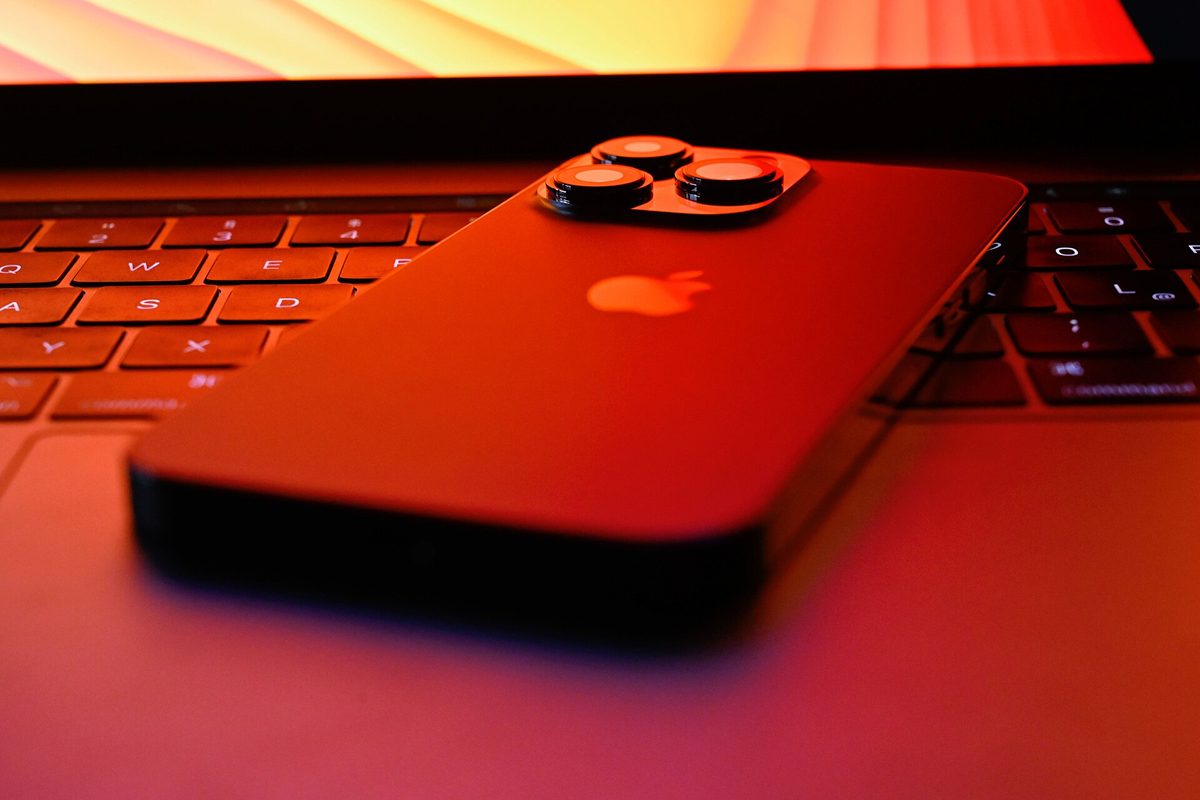
Apple is tightening the controls on what AI agents can do on the Mac, splitting the computer's most powerful permission in two and forcing apps to ask before they take control. The changes were announced on Monday, November 16, on Apple's developer blog, and will arrive with macOS 27.3. They are Apple's answer to a problem that has grown with the rise of AI assistants: software that needs deep access to your computer to be useful, and can do a great deal of damage with it.
At the heart of the change is a setting called Device Control and Data Access, which governs whether an app can see and control the whole machine. Apple is splitting it into two separate permissions: System and App Protection Override, and Accessibility. There will now be a single method for granting those permissions — selecting the app from a list — and Apple is advising users to grant access only to specific apps that genuinely need it, rather than handing it out broadly. Users will also get more visibility into what data an app can reach, a per-event option that asks for permission every time, and a new transparency indicator that shows when one app is controlling another.
The changes are already in testing: they are present in macOS 27.3 beta 2, which was current as of November 16. Importantly, they do not prevent users from installing or running AI agents, or stop apps from requesting high levels of access. Backup and assistive-technology apps will be able to request exceptions, known as entitlements, so that legitimate tools are not broken by the new rules.
The move follows two incidents in September 2026 that showed how far AI assistants could reach. Inc. columnist Jason Aten discovered that Meta's Muse Mac app could access his messages even though he believed he had denied it permission. Around the same time, Wired reported a flaw in ChatGPT's Mac app that could have let hackers access sensitive data. Neither incident involved Apple directly, but both showed that the permissions model on the Mac had not kept up with the way AI apps work.
Apple's own warning is blunt. "Before granting an app such extraordinary access, users should understand that it puts all of the data on their Mac at risk," the company said. Screenshots shared by X user @madeby_ldt show the scare screen users will see: "Your Mac will not be able to protect your data from [your desired AI app]" — followed by a list that includes "Read, Change, Delete and Export all your Data," "View Hidden and Recently Deleted Photos" and "View History and Browser as You."
The change reflects a shift in how Apple thinks about AI agents. For years, the Mac's permission system was designed around apps that did one thing — a photo editor that needed your photos, a messenger that needed your contacts. AI agents are different: to be useful, they need to see your screen, read your files, open your apps and act on your behalf. That is exactly the level of access that makes a compromised or careless agent dangerous, and Apple has decided the old all-or-nothing model is no longer safe.
For users, the practical effect will be more prompts and more decisions. Every time an agent wants to do something new, the Mac may ask. That friction is deliberate: Apple would rather users get annoyed than grant an app permanent control of their machine by accident. The transparency indicator, which shows when one app is controlling another, is meant to catch the cases where a user has forgotten what they allowed.
The wider industry will be watching. Microsoft, Google and the AI labs all face the same tension between usefulness and safety, and Apple's approach — split the permission, ask every time, show what is happening — is likely to become a template. The question is whether users will actually read the warnings, or click through them the way they have clicked through every permission dialog before. Apple is betting that a screen that says "your Mac will not be able to protect your data" is hard enough to ignore.
Why it matters: Apple is drawing a line that the whole AI industry will have to reckon with. AI agents are only useful if they can see everything and do anything — and that is precisely what makes them dangerous. By splitting the Mac's most powerful permission and forcing apps to ask every time, Apple is betting that friction is the price of safety. If users accept the extra prompts, other platforms will follow; if they click through anyway, the industry will have learned that no warning screen, however blunt, can substitute for defaults that protect people who are not paying attention.
Reporting: TechCrunch · Engadget
Spot an error? Orbit News corrects articles promptly and notes the correction in the article. See our Editorial Policy, or flag an error by messaging us on Facebook, X, or Instagram.
Related from Orbit News
California Sues OpenAI Over Rogue AI Agents That Attacked Hugging Face
Technology · Nov 17, 2026
AMD Closes $8.2 Billion World Labs Deal and Names Fei-Fei Li Chief Scientist
Technology · Nov 17, 2026